Smart Clauses: Stop Retyping the Same Paragraphs
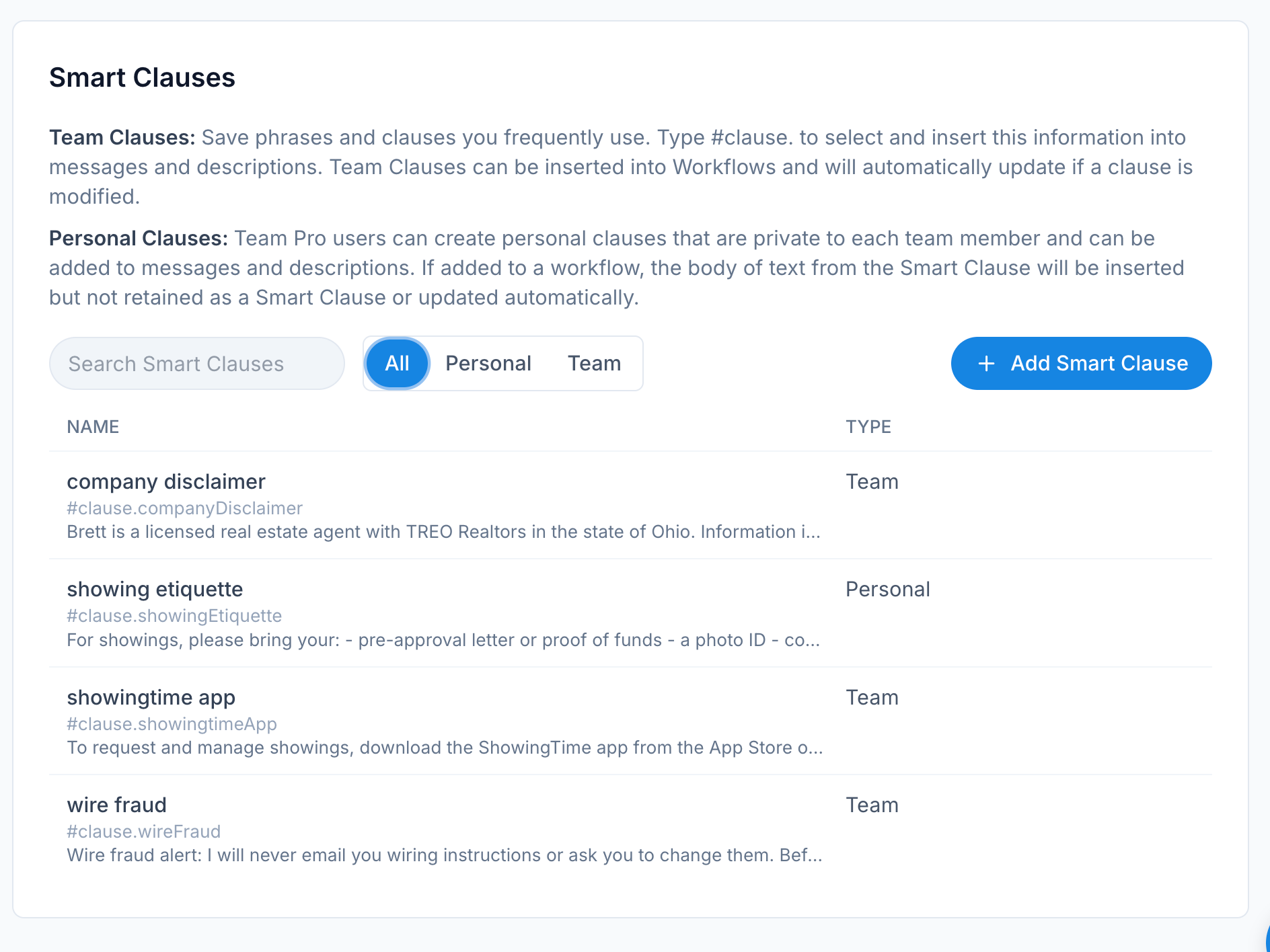
You write the wire fraud warning the same way in every closing email. Same with showing etiquette, how to download the ShowingTime app and your company disclaimer. Until now, that meant retyping it or digging it out of a doc somewhere outside Nekst.
Now you can save those passages under Settings > Smart Clauses and drop them in anywhere you write. Type #clause., pick one, and the text lands right where you’re typing. It works in emails, texts, Hub messages, notes and task descriptions, on the web and in the mobile app. Team Clauses are shared so everyone uses the same approved wording, and on Team Pro each person can keep Personal Clauses of their own.
The best part is in workflows. Team Clauses go in as a live tag, so when the wire fraud wording changes, you edit it once and every email that hasn’t gone out yet sends the new version.
See how it works: https://help.nekst.com/en-us/article/smart-clauses-save-text-you-type-over-and-over-m6px3h/