See and end your active sessions
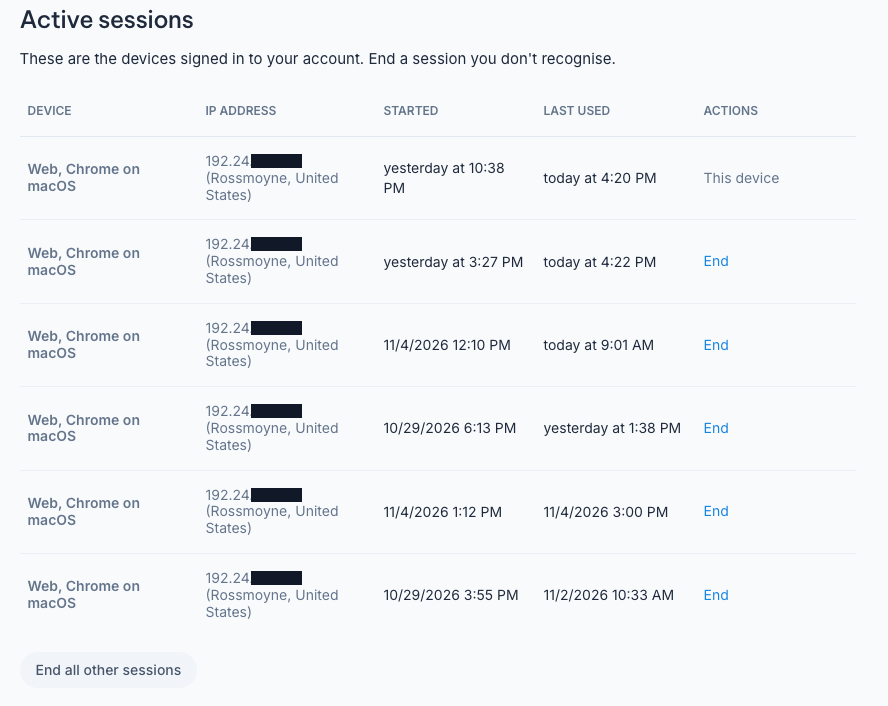
You can now see every device signed in to your Nekst account. Go to Settings > Login Details and look for Active sessions. Each one shows the device, IP address, when it started and when it was last used.
See one you don’t recognize? Click End to sign it out, or End all other sessions to sign out everywhere except the device you’re on. If something looks off, we also suggest changing your password.