Put Your Roles in the Order That Fits Your Business
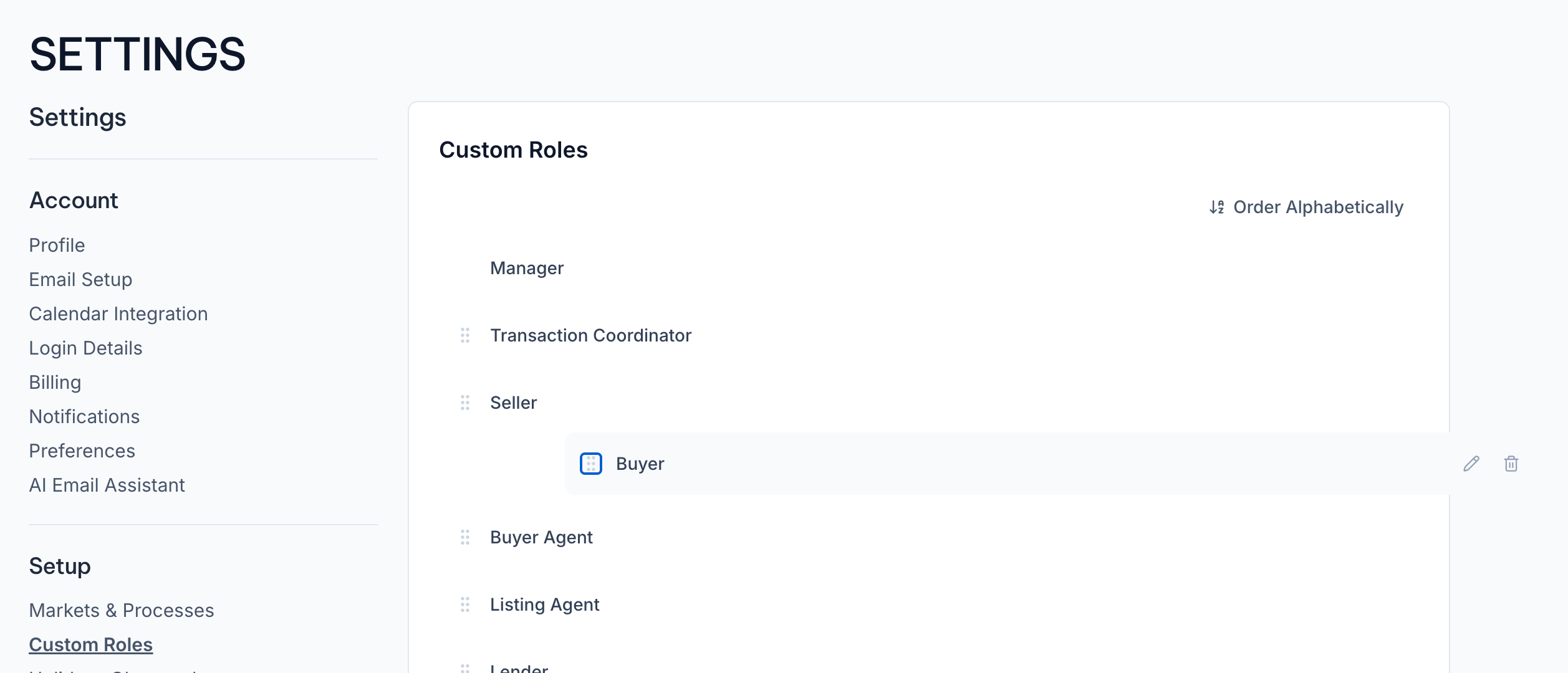
Your roles no longer have to sit in whatever order they landed in. Head to Settings → Setup → Custom Roles, grab a role by its grip handle, and drag it wherever you want. That order now carries everywhere roles show up: assigning tasks, picking people on a transaction, the Workflows filter, and your Client Portal.
Want a clean starting point? One click on Order Alphabetically sorts the whole list by name. Set it once and your whole team sees the same list, most-used roles right up top.