Complete Key Dates in One Click
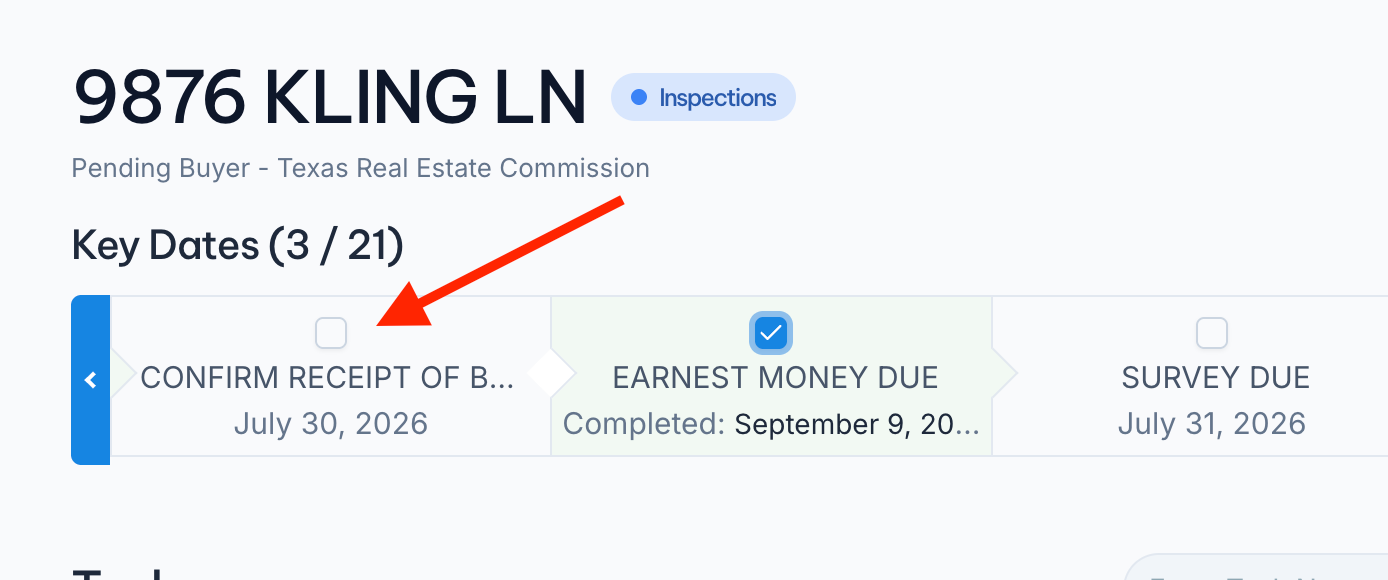
We finally got around to fixing a very confusing neThe circle next to each Key Date at the top of your transaction is now a real checkbox. Click it and the deadline is done, without opening the task or scrolling down to your task list. Completed Key Dates turn green and show the date you closed them out.
We also published a full Key Dates guide covering the widget, the review step during launch, calendar links for you and your clients, and the Show Key Dates Only filter.
https://help.nekst.com/en-us/article/key-dates-track-and-complete-your-critical-deadlines-hbd7q8/