Add Notes While Launching from a Contract
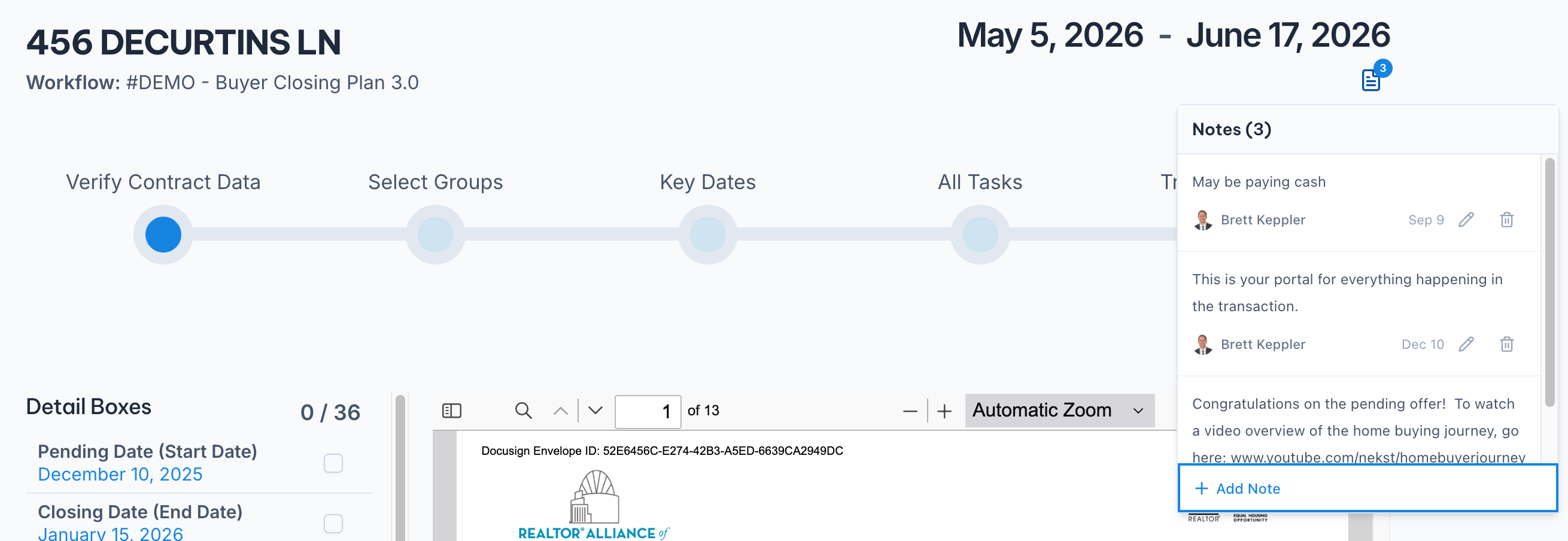
The Notes icon now appears on all five launch-from-contract steps: Verify Contract Data, Select Groups, Key Dates, All Tasks, and Transaction Parties.
You will find it in the top right, next to the Next button. Click it to add, edit, or delete notes without leaving the wizard, and the badge tracks how many you have added.
This is for everything that comes up while you are reading the contract. Buyer may be paying cash. Seller asked about a leaseback. Instead of holding it in your head until the transaction exists, write it down when you see it. It is waiting on the transaction the moment setup is done.
Full details here: https://help.nekst.com/en-us/article/adding-notes-and-using-scratchpad-1jd7ywl/