Move a Dependent Task to a New Parent Without Rebuilding It
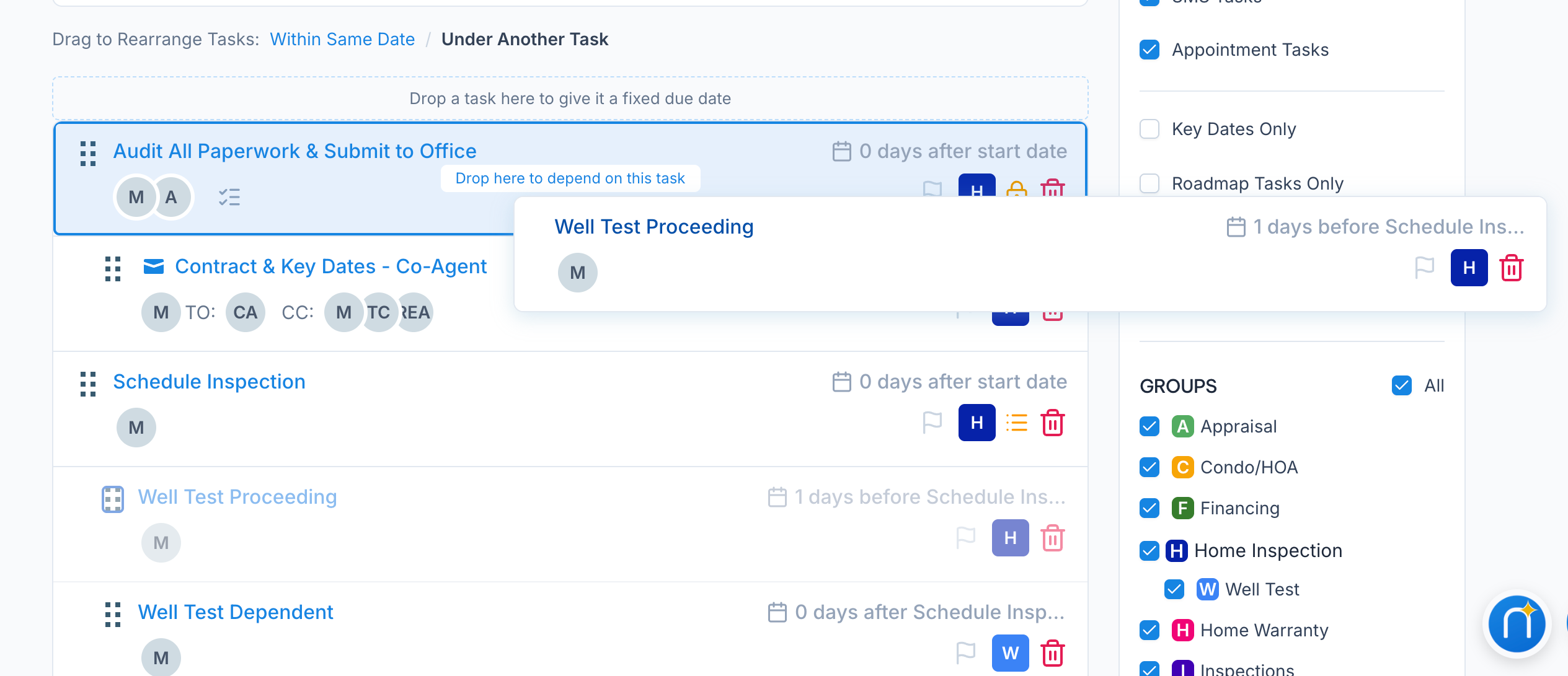
In a Workflow, a task's due date can follow another task ("3 days after Inspection"). Until now, that link was locked in when you created the task. To hang it off a different task, you had to delete it and build it again from scratch.
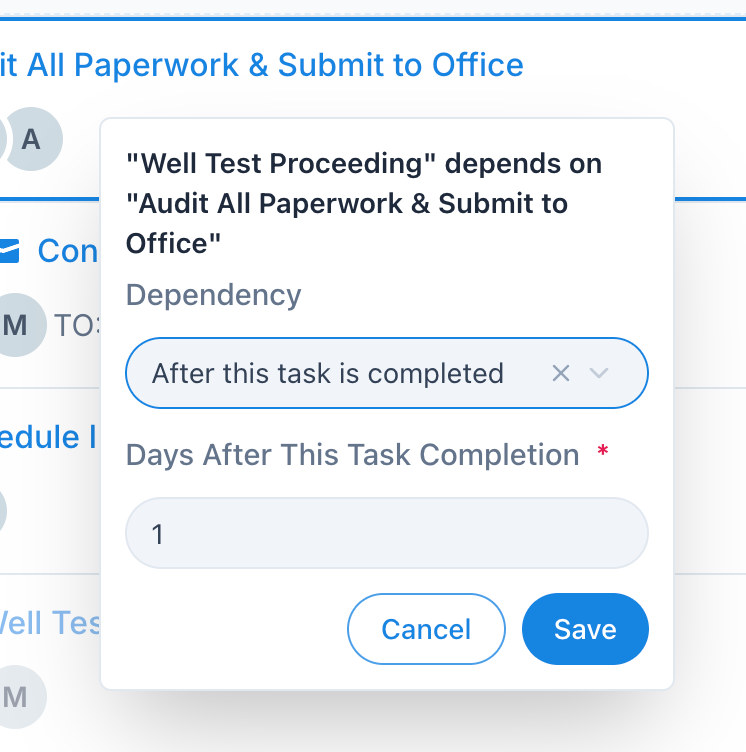
Now you can just change it. Pick a different Parent Task from the dropdown, or drag and drop the task across your workflow for a more visual change. Either way, the task moves under its new parent and brings its own dependent tasks with it. The name, assignees, checklist, and day count all stay exactly as they were.
Check out our updated Help Article to Learn more