Two-Factor Authentication Is Here
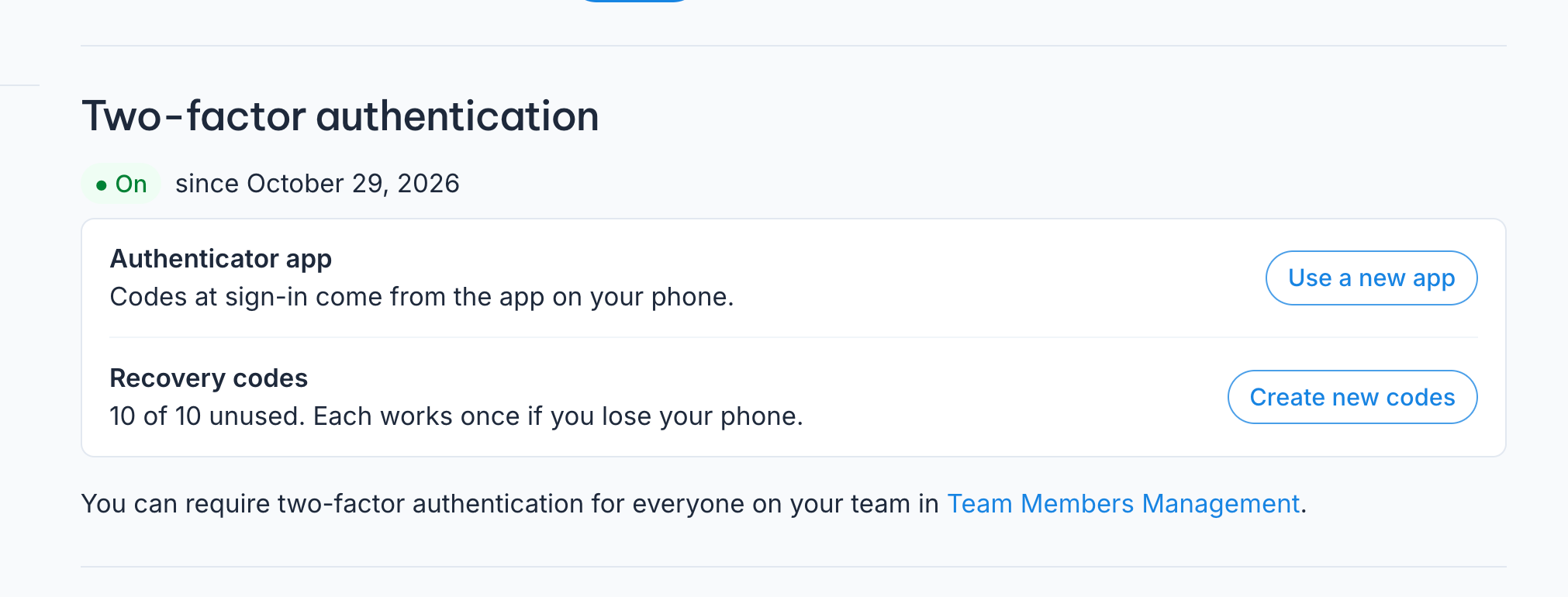
Your Nekst account holds contracts, client contact info and every deal you’re working. A password alone shouldn’t be the only thing standing between that and anyone who gets hold of it.
Now you can turn on two-factor authentication in Settings > Login Details. Link an authenticator app on your phone, confirm with a code and save your 10 recovery codes. Each recovery code works once, like a one-time password, so you can still get in if your phone isn’t with you. From then on, signing in takes your password plus a 6-digit code, on the web and in the Nekst mobile app.
Team Pro owners can go one step further and require it for the whole team. Team members without it are walked through setup before they can keep working, you can see who has it on, and you get notified when something changes. If a team member loses their phone, you can reset them yourself without waiting on support.
See how to set it up: https://help.nekst.com/en-us/article/two-factor-authentication-2fa-1nodias/