May 5th, 2026
New
Improved
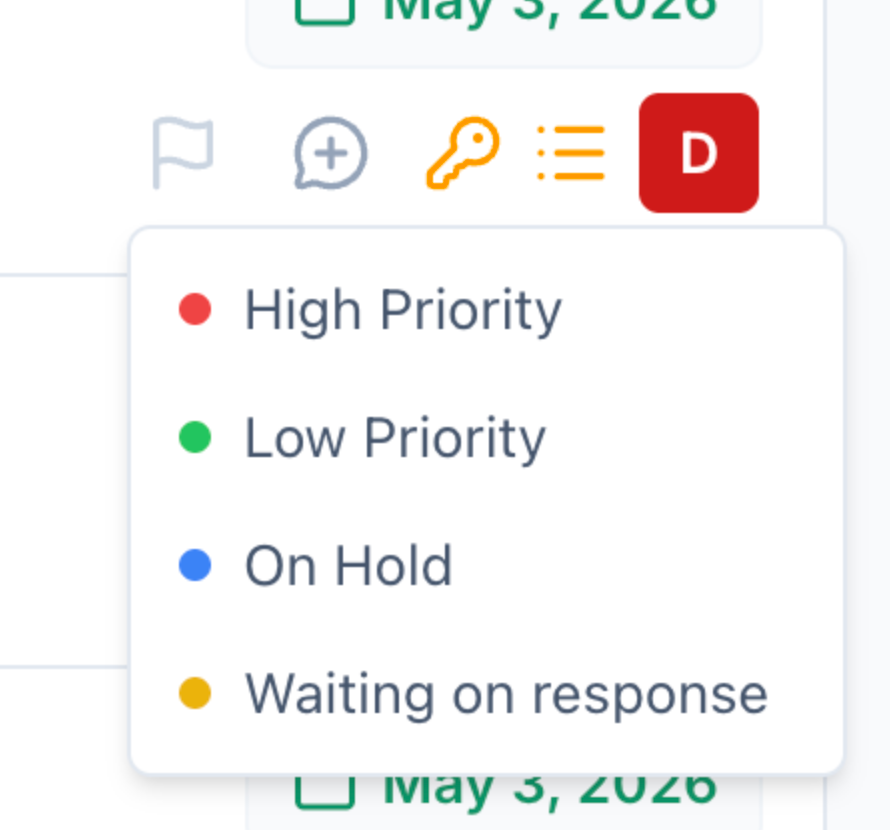
Task Flags - Mark Important Tasks With a Custom Color
You can now create your own colored Task Flags - High Priority, On Hold, Waiting on Response, Coming Soon, whatever fits how you work - and apply one to any task on the Tasks page.
Set up your flags in Settings > Task Flags, then click the flag icon on any task row to assign one. Filter the Tasks page by any combination of flags, and your selection saves into Filter Presets so the view sticks.
Every flag change is also recorded in History, so you can audit who flipped what and when.
Available to every Nekst account automatically.
Full details: https://help.nekst.com/en-us/article/task-flags-mark-and-filter-individual-tasks-zpblu9/
Write a comment...