January 21st, 2026
Improved
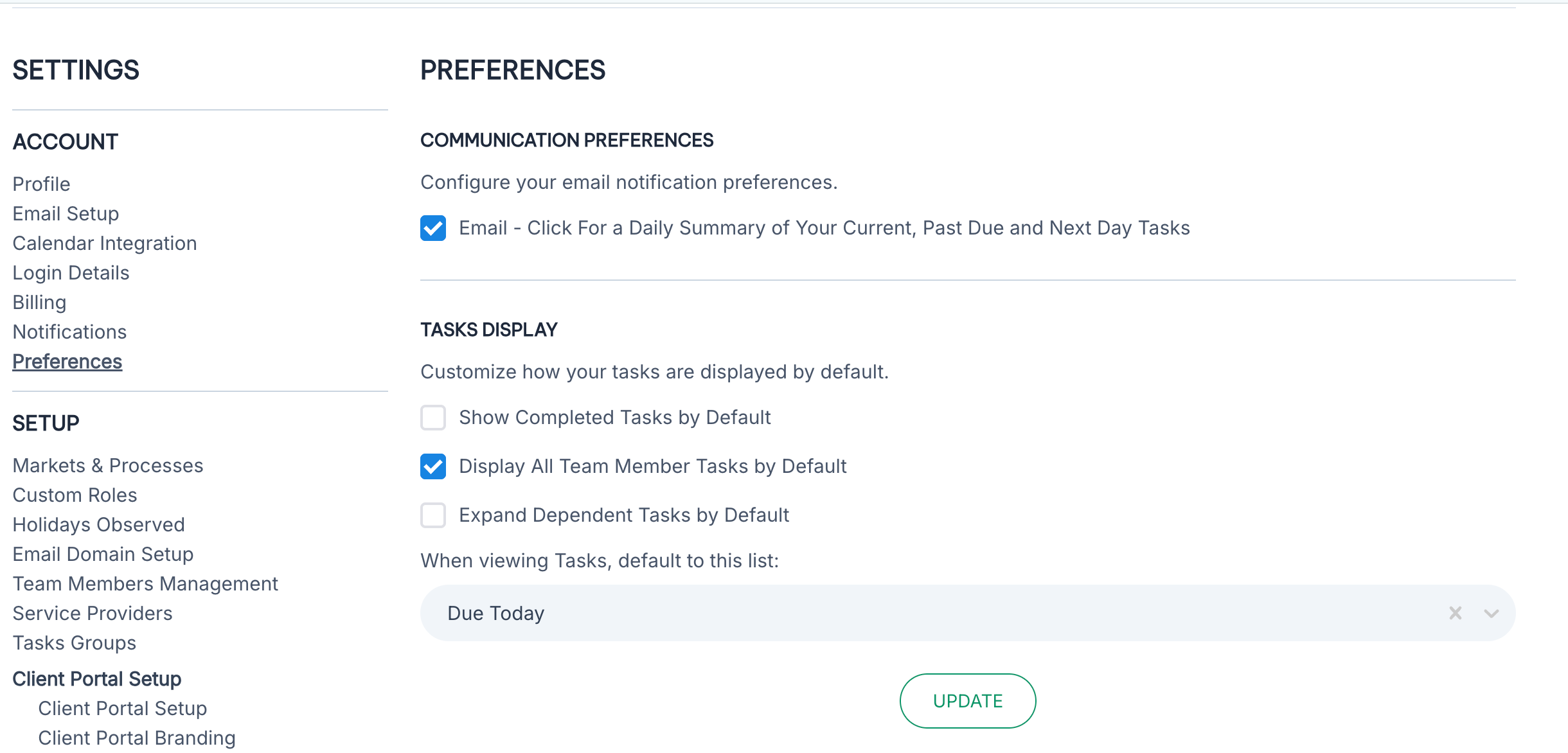
More Task Customization Options
Users now have more control over how their Tasks are displayed in Nekst.
Show Complete Tasks by Default - choose to show Completed Tasks alongside active tasks
Display All Team Member Tasks by Default - choose to display all tasks for each transaction instead of just those assigned to you
Expand Dependent Tasks by Default - choose to have Dependent Tasks displayed or hidden under the Primary Task
When viewing Tasks, default to this list - If you prefer to see “All Tasks” or “Past Due” instead of “Due Today”, we can take you directly to that list of tasks automatically
Write a comment...