April 23rd, 2026
New
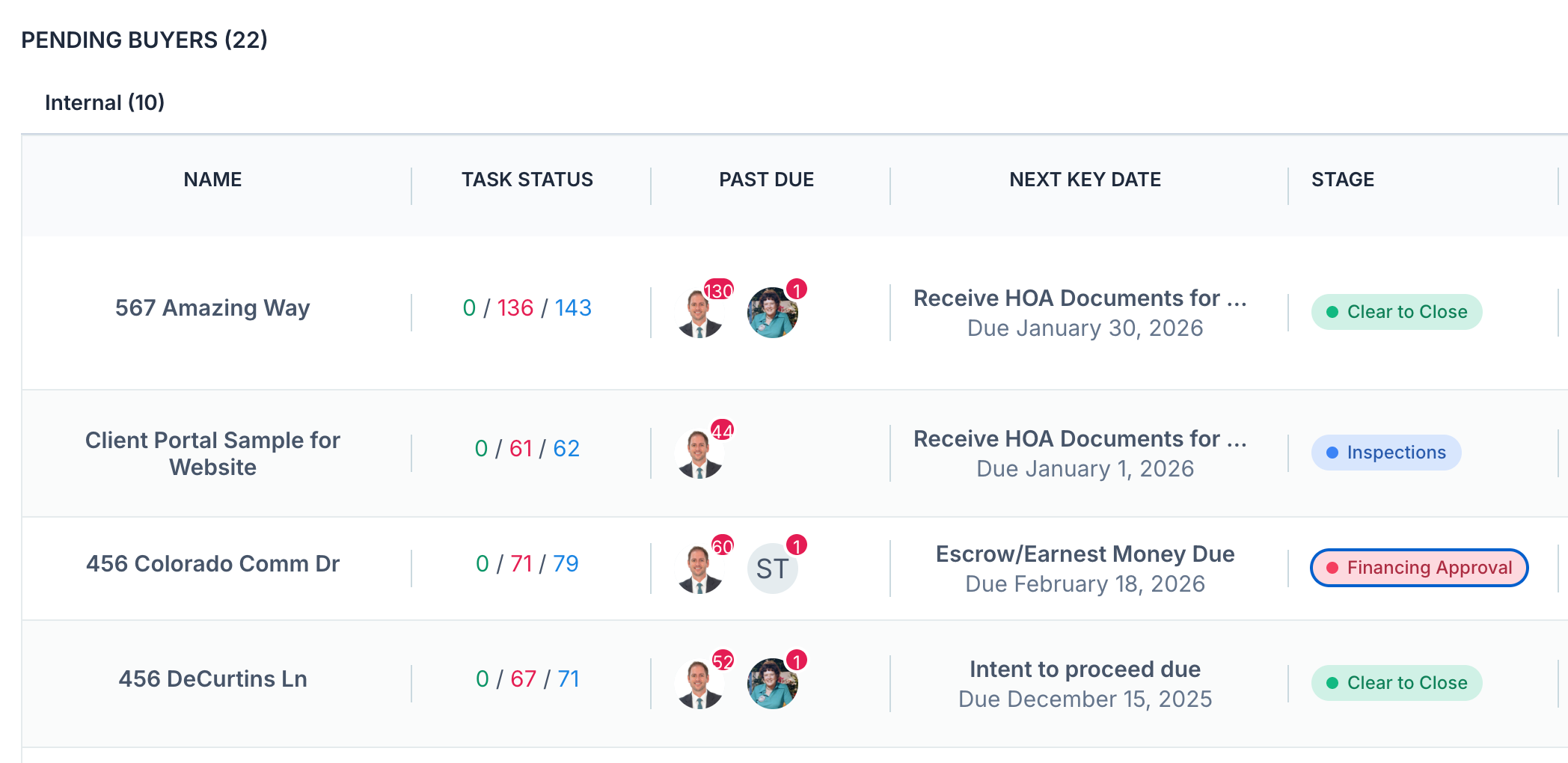
Custom Stages: Track Where Each Transaction Stands
You can now add your own labels to every transaction. Inspections, Coming Soon, Awaiting Financing, Clear to Close - whatever fits how you actually run a deal.
Stages show up as colored pills on your Transactions list and on each transaction page. Filter by stage, hide the ones you don't want to see today, and stay focused on the deals that need you.
Set them up in Settings → Setup → Custom Stages (Owner / Admin only). All team members can assign a stage to any transaction they have access to.
Status (Active, Closed, Archived) hasn't changed. Stages are a separate layer on top of it.
Full walkthrough: https://help.nekst.com/en-us/article/custom-stages-track-where-each-transaction-stands-132yi1l/
Write a comment...